
Enchantress Filter AI: Turn Your Photo into a Dark Moon Witch Video
Upload one photo. A black clawed hand takes yours, covers the screen, and you come back as a dark moon witch with big black horns under a full moon, in a 10-second vertical video.
- 1 photo
- 10-second 9:16 video with sound
- 480p or 720p
- No prompt to write
What the Enchantress Filter does, second by second
The Enchantress Filter trend is a three-beat transformation. Wishmade follows the same beats, so the result reads as the trend at a glance.
- 0–3 s
Reach out
You stand in your own room, look into the camera, close your eyes and stretch one open hand toward the lens.
- 3–5 s
The black hand
A black hand with long, glossy claws reaches in from the camera's side, takes your hand, then sweeps up and covers the screen.
- 5–10 s
The reveal
The hand pulls away: you are a dark moon witch with curved black horns, a crescent-moon crown, silver eyes and black lips, under a full moon. You raise one finger to your lips.
Enchantress Filter AI examples
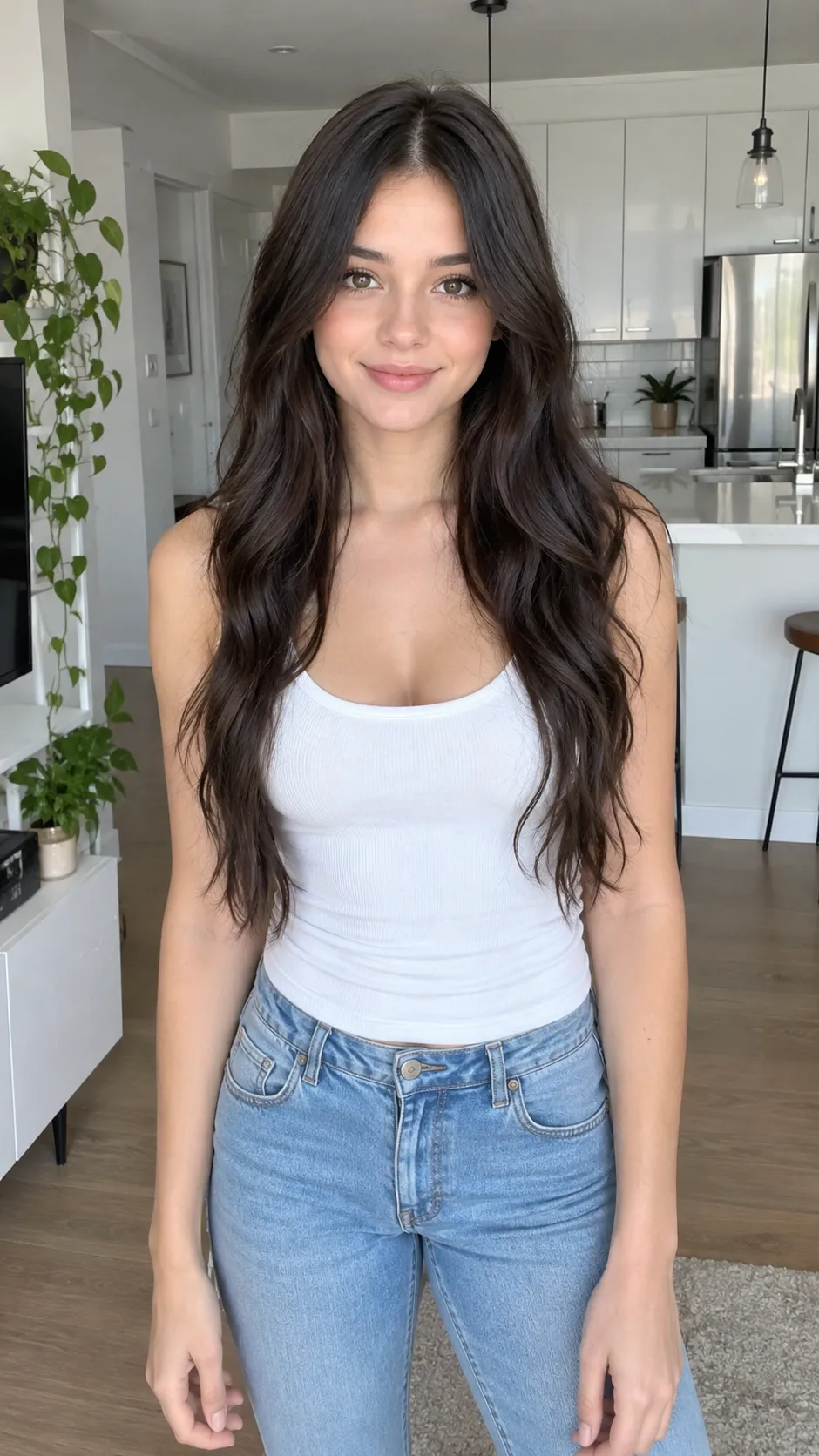
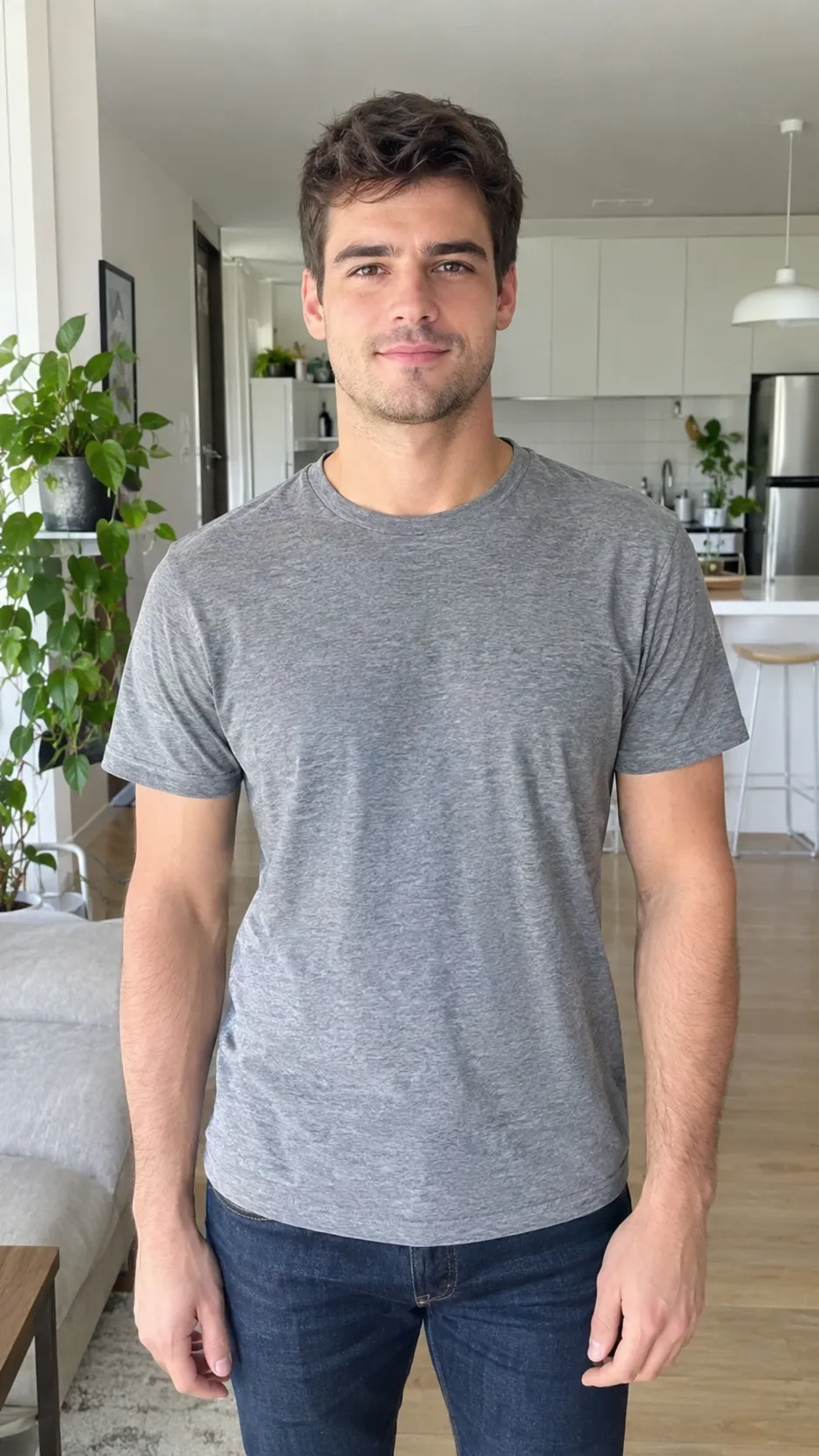
Each video below was made with this template from the photo next to it, with no editing.
How to make an Enchantress Filter video
- 1
Add one photo
A clear photo of one person, facing the camera, from the waist up, with both hands in the picture.
- 2
Pick a quality
Standard is 480p and cheaper for a first try; HD is 720p for posting. The price is on the button.
- 3
Generate
Your Enchantress Filter video is ready in a few minutes in your Wishmade studio, where you can download it or make another.
Why the Enchantress Filter trend took off
The Enchantress Filter works because it plays with a moment everyone recognises: you reach toward the camera as if someone is about to take your hand, and something does. The black clawed hand is a little unsettling, the wipe hides the change, and the reveal pays it off with a full gothic look under the moon. It is a horror beat and a glow-up in ten seconds.
It also suits Halloween without a costume. People who would never buy horns and face paint can still post a dramatic witch look, and the before and after sit in the same short clip, which is exactly what short-video feeds reward. Wishmade keeps those beats and lets the Enchantress Filter AI do the costume, the make-up, the lighting and the camera work from one photo.
Enchantress Filter AI or a CapCut template?
A CapCut template gives you the cuts and the timing, but you still film the clip: you need someone to hold the camera, a costume or make-up for the reveal, and a second take where you look the part. The template then stitches your two clips together. If you do not have the horns, the crescent crown or the lighting, the reveal falls flat.
The Enchantress Filter AI starts from a single photo you already have. It creates both halves of the video itself: the everyday opening in a bright room and the dark moon witch under a full moon, joined by the black hand that wipes the lens. Nothing to film, nothing to buy, and you can try another photo in a couple of minutes. What it does not add is the trend song, so you still pick the sound inside TikTok or Instagram when you post.
Which photo works best
The Enchantress Filter AI only has your photo to go on, so the photo decides how much the witch still looks like you.
- Use one person only. Group photos confuse the hand and the reveal.
- Face the camera with your face uncovered: no sunglasses, masks or hands over the face.
- Waist-up framing works best, because the trend shows your outstretched hand.
- Good, even light keeps your face recognisable after the transformation.
- Upload only your own photo, or a photo of an adult who agreed. No photos of children or public figures.
Getting the most out of your Enchantress Filter video
Add the sound in the app
Your Enchantress Filter video has its own dark whoosh and choir, with no music. On TikTok, Instagram Reels or YouTube Shorts, pick the trending sound from the app's library before you post, so the video joins the trend's sound page.
Post before Halloween
Transformation trends peak in the days before October 31. Make a Standard version first to check the result, then an HD one for the post.
Show the before
The reveal lands harder when people have seen you as you are. The first three seconds already show your everyday look; keep the caption short so it does not cover your face.
Make a set
Run the Enchantress Filter on a few different photos, an everyday one and a dressed-up one, and post them as a series or a carousel of reveals.
The Enchantress Filter prompt
This is the shot list Wishmade sends to the video model with your photo. You never need to type it here; it is shared for anyone who wants to adapt it. @Image1 means your photo.
One continuous 10-second vertical video of the person from @Image1. Keep their face, skin tone, hair and body exactly as in the photo in every shot. One person only.
0-3s: A bright, modern room in daylight, matching the photo. The person stands facing the camera, framed from the waist up, looks into the lens, slowly closes their eyes and stretches one open hand straight toward the camera, palm up.
3-5s: From the bottom edge of the frame, close to the camera, a black hand with long, glossy black claws reaches in and gently takes their hand. The black hand then sweeps upward and covers the whole lens, and the frame goes black.
5-10s: The black hand pulls away to reveal the same person transformed into a dark moon witch, framed from the chest up and centered: large curved black horns, a bronze headband with a crescent-moon jewel on the forehead, glowing pale silver eyes, black lipstick, thin dark lines painted down from the eyes, layered dark beaded necklaces with small moon charms, a black lace gown. Behind them, a huge full moon in a dark, smoky night sky with drifting embers. They open their eyes, look straight into the camera and slowly raise one finger to their lips in a quiet "shh" gesture. Slow push-in.
Sound: soft room tone, a deep whoosh as the hand covers the lens, then a low, dark choir swell under the reveal. No music track, no dialogue, no lyrics.
Rules: the person has exactly two arms and two hands, plus the single black clawed hand. No extra people, no text, no logos.
Enchantress Filter questions
More ideas on the Wishmade home page, or describe your own video in the studio.
What is the Enchantress Filter AI trend?
It is a Halloween transformation video from TikTok and CapCut. A person reaches toward the camera, a black clawed hand takes their hand and covers the screen, and they come back as a dark moon witch with horns and a crescent crown. The Enchantress Filter AI on Wishmade makes that video from one photo.
Do I need CapCut or a template video?
No. The trend started as a CapCut template, often listed as “Enchantress Filter 1”. Here you upload one photo and Wishmade writes the whole Enchantress Filter sequence for you: the reach, the black hand, the screen wipe and the witch reveal. There is no prompt to write and no video to film.
Can it make the version with horns and a full moon?
Yes, that is the look this template makes: large curved black horns, a crescent-moon headband, glowing silver eyes and black lips, under a huge full moon. You do not need to write prompts in Runway or Kling or set start and end frames; one photo is enough.
Is the Enchantress Filter AI free?
Wishmade is free to use for now: a free account is topped up to 10 credits every day. There is nothing to buy. The Generate button shows how many credits a video uses before you start, and failed videos give their credits back automatically.
What do I get?
A 10-second vertical 9:16 MP4 video with sound, at 480p (Standard) or 720p (HD), ready for TikTok, Reels and Shorts.
Will it keep my face?
Your photo is the only reference for the person, so the video is made to keep your face, hair and build before and after the transformation. Results vary with the photo; a clear, well-lit, front-facing photo works best. Heavy filters, sunglasses or a face half in shadow make it harder to keep your look.
Does it add the trend song?
No. The video comes with its own dark sound effects and no copyrighted music. When you post it on TikTok or Instagram, pick the trending sound in the app; the platforms license their music library.
How long does an Enchantress Filter video take?
Most videos are ready in a few minutes. You can leave the page; the video waits in your Wishmade studio with every other creation, ready to download.
Is my photo kept private?
Your photo is used only to make your video and is not published or shown to other people. Files are stored at long, random links; see the privacy policy for how long they are kept and how to delete them.
Can I use the Enchantress Filter on pets or groups?
Not yet. This version is made for one person per photo. Groups and pets confuse which hand the black hand should take, so results are unreliable. For pets, try a photo-to-video wish in the Wishmade studio and describe the scene in your own words.
Try another transformation
Day of the Dead Catrina
One photo in: a swirl of marigold petals sweeps past and you return as La Catrina, sugar-skull face paint and a marigold crown, walking a candlelit path. 10-second vertical video.
Beth Cast Nightwing
One photo in: you lift a blue mask to your eyes, spin, and come back as a masked acrobat hero in a black suit with a blue V across the chest, twirling two fighting sticks. 10-second vertical video.
Tiny Desk AI
One photo in: you sing lead at a cramped office desk concert with a full band, hit the high note and burst out laughing, then the sax takes a solo. 10-second vertical video.
Your turn under the full moon
One photo is all the Enchantress Filter needs.
Add my photo